
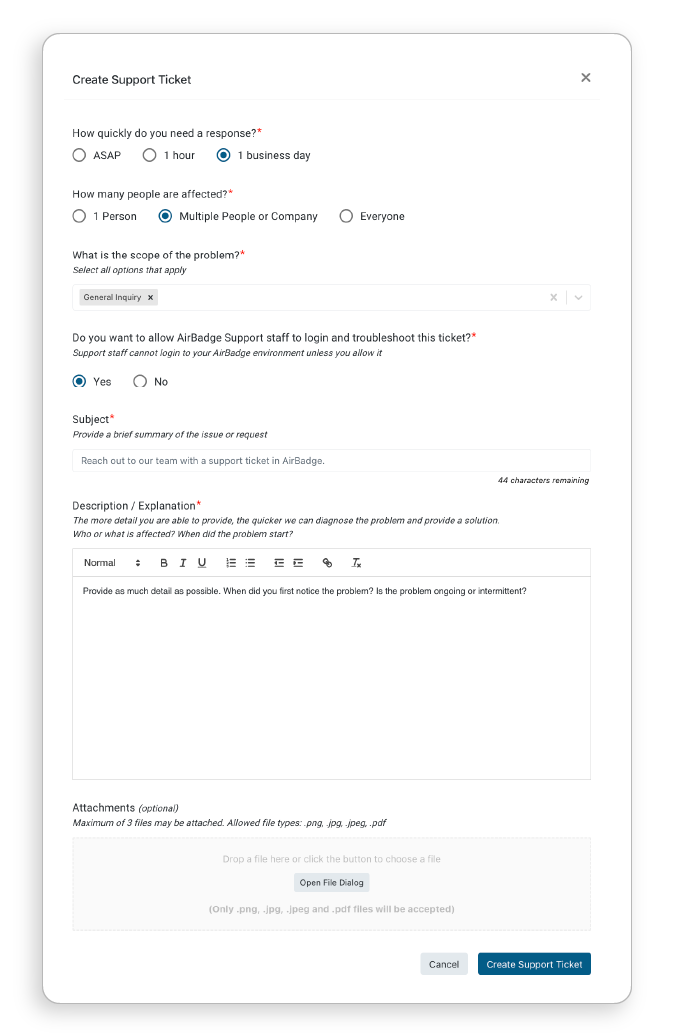
AirBadge Support can only log in to your AirBadge environment when invited. Send an invitation using a support ticket.
- From the Support screen, you can create new tickets, review existing issues, and mark tickets resolved.
The option to create a support ticket is available only to airport staff (ASC and TA roles).
- When you reach out, please provide as much detail and include screenshots if possible.
- When a support ticket requires feedback or action from your team, you’ll see an indicator (similar to your action item indicators) on the Support menu.
- When our team resolves your issue, please mark the ticket as closed.