
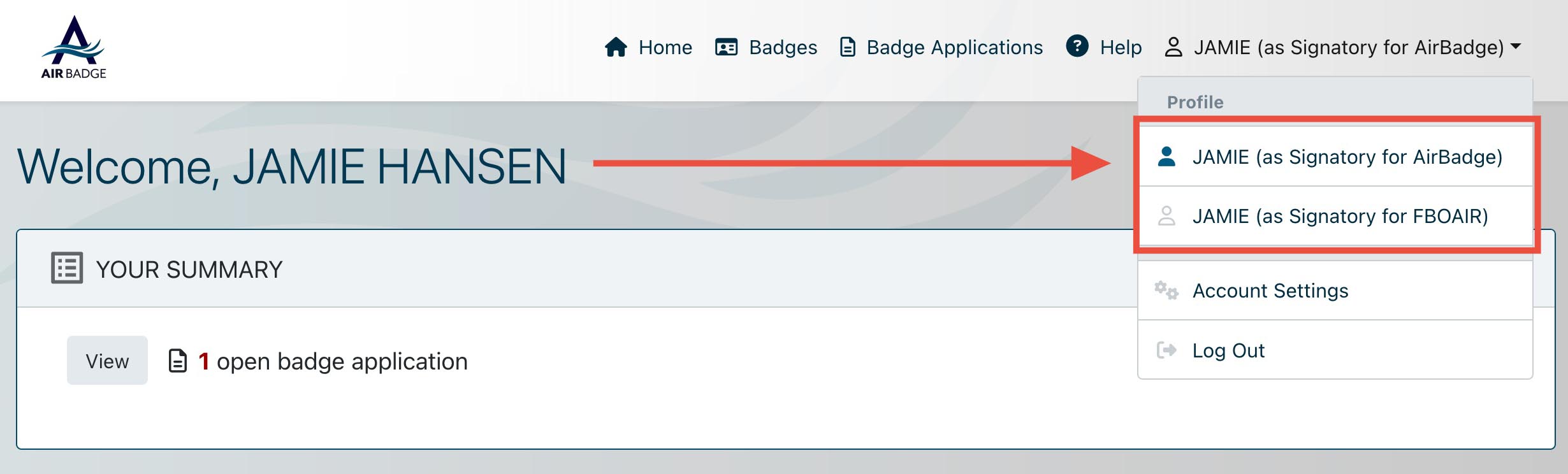
If you sponsor badges for more than one company, you’ll need to switch between your signatory roles to review badges and badge applications for each company.
Each of your signatory roles is associated with a single company. Click your name and select that company role to review the badges associated with that company. To see the badges associated with another company, switch into the other role.