Users with signatory roles: Identity verification
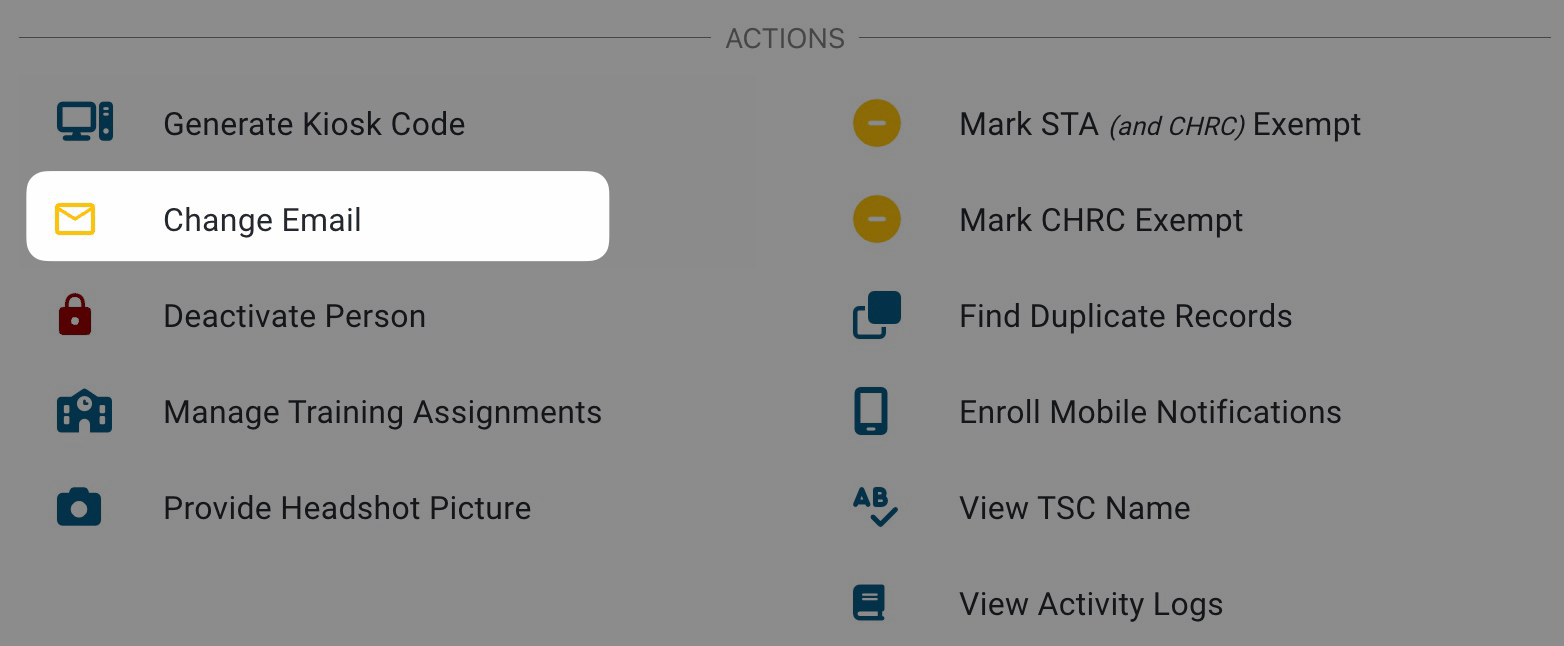
Modifying an email address without proper verification could lead to unauthorized access to sensitive data or disrupt the badging process. If a user has a Signatory role in AirBadge, always verify their identity before making profile changes.
- New Applicants: If a recently invited applicant reports an incorrect email, updating it directly is generally safe since they have not yet provided personal data.
- Existing Users (Signatories, etc.): For signatories, trusted agents, or users with elevated permissions, use a strict verification process before any changes.
Recommended Verification Protocol
- Multi-Factor Authentication: Confirm identity using data only the user would know, such as:
- Last four digits of Social Security number
- Driver’s license number
- Date of birth
- Other verified personal information
- In-Person Verification (Recommended for Signatories): Require the user to present a valid photo ID in person before changing an email address.
Policy suggestion: “If a signatory requests an email address change, they must present a valid photo ID (e.g., driver’s license) in person to the badge office. The badge office representative will verify the ID and make the necessary change in AirBadge.”
Checking User Roles and Permissions
Before making changes, review the user’s roles and permissions in AirBadge. These are listed on the bottom tab of the person detail screen. Understanding user roles helps prevent unintended security consequences.