
Receiving Badges
Authorized Signatories using AirBadge can update the status of badges under their authorization at any time. When an Authorized Signatory changes the status of a badge, the badge office should attempt to collect the deactivated badge. Use AirBadge to record the date that the badge was collected by your badge office.
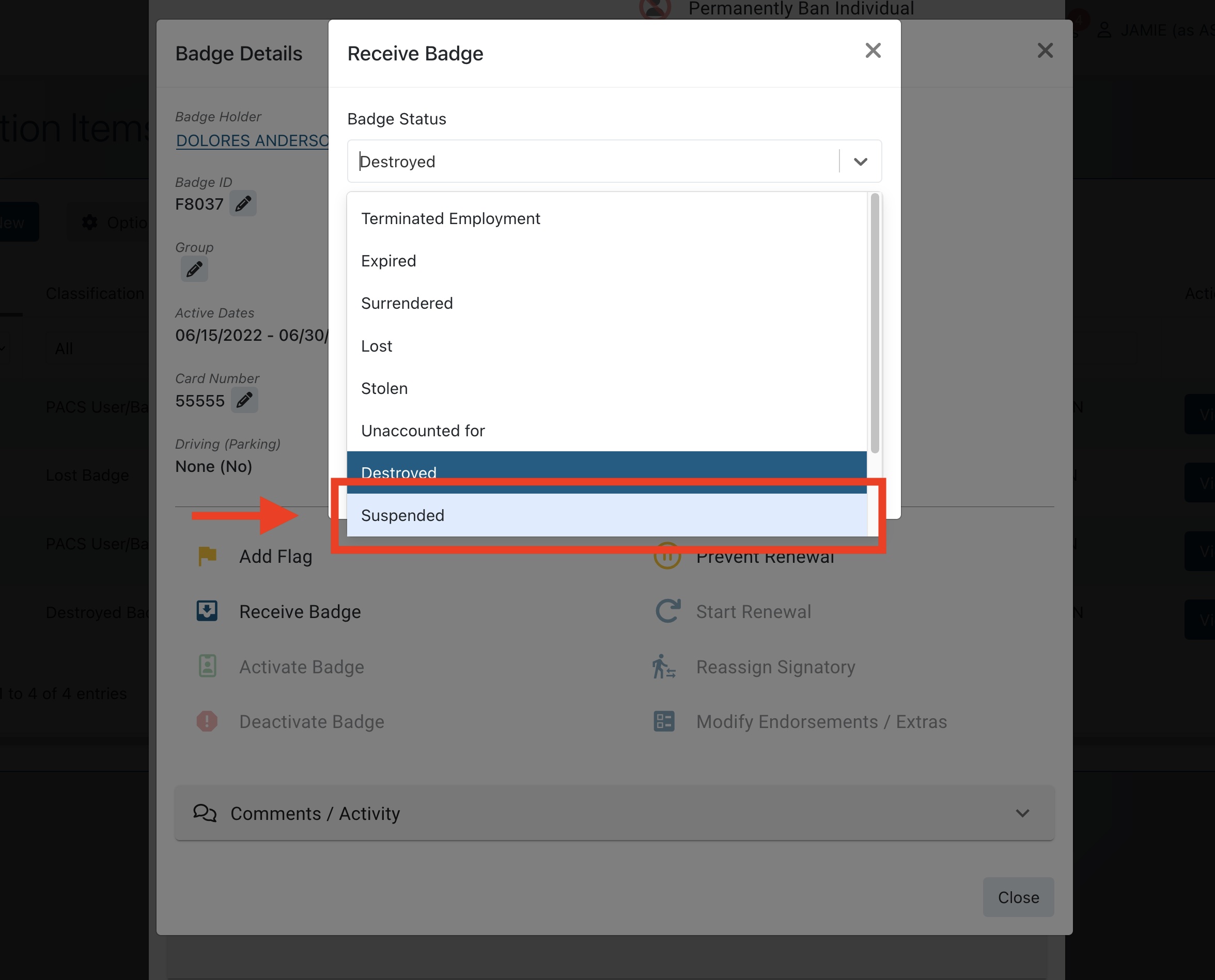
The badge office can change the status of the badge during the Receive Badge step. For example, you could change the status of a badge marked “Lost” to “Unaccounted For.”
Using a status change to reactivate a badge
In certain cases, your badge office may wish to reactivate a badge that was mistakenly deactivated by a signatory. In these cases, change the badge status to “Suspended.” A suspended badge can then be reactivated by the badge office.