
If you would like to make changes to your phone number, reach out to your badge office with your updated mobile number.
A mobile phone number may be used in other systems beyond AirBadge, therefore the badge office should make updates to mobile numbers saved in AirBadge.
For badge office staff:
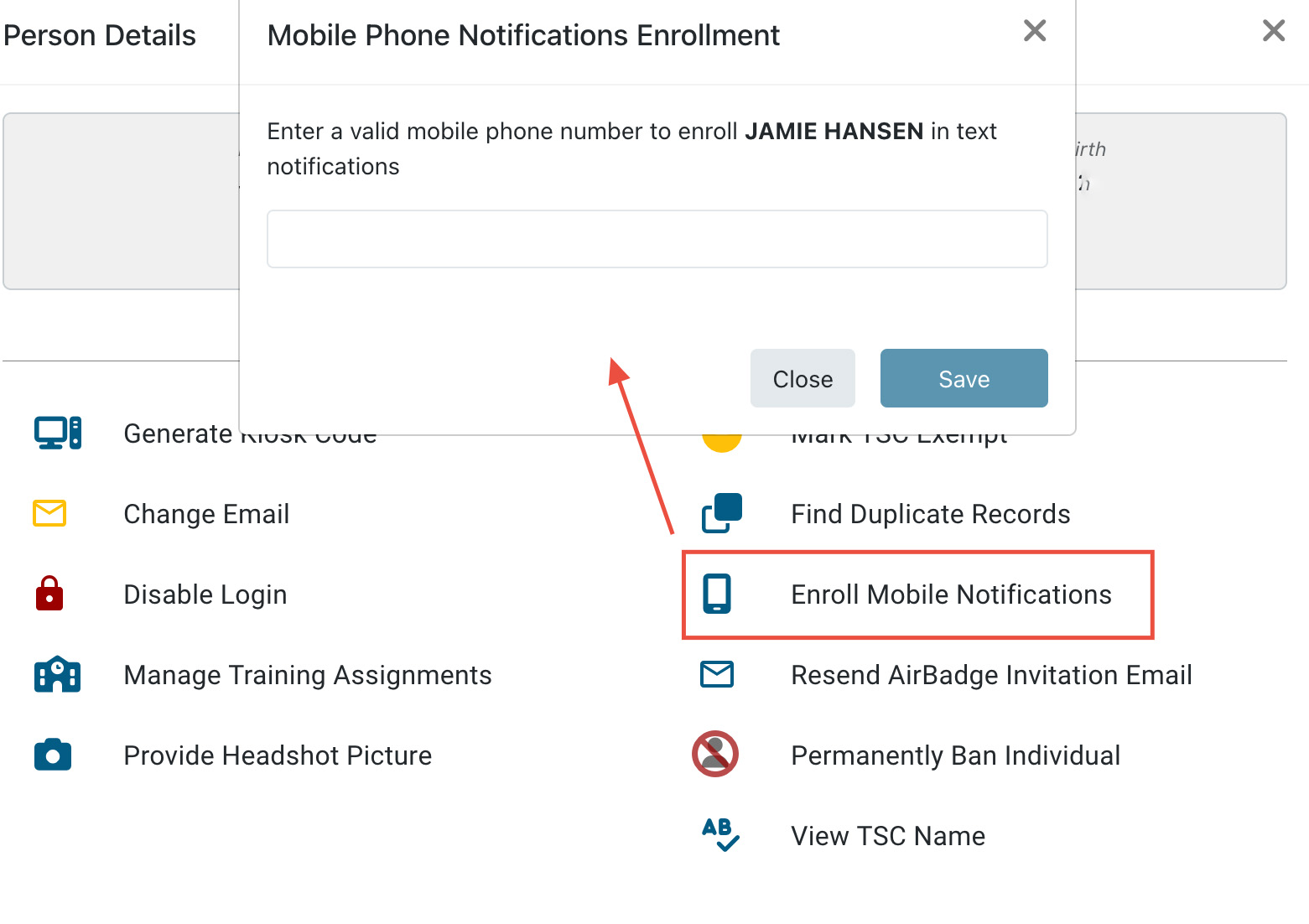
- In AirBadge, go to the individual’s profile on the person details screen.
- Select “Disenroll Mobile Notifications” to clear the old number.
- Select “Enroll Mobile Notifications” and input the new number.