
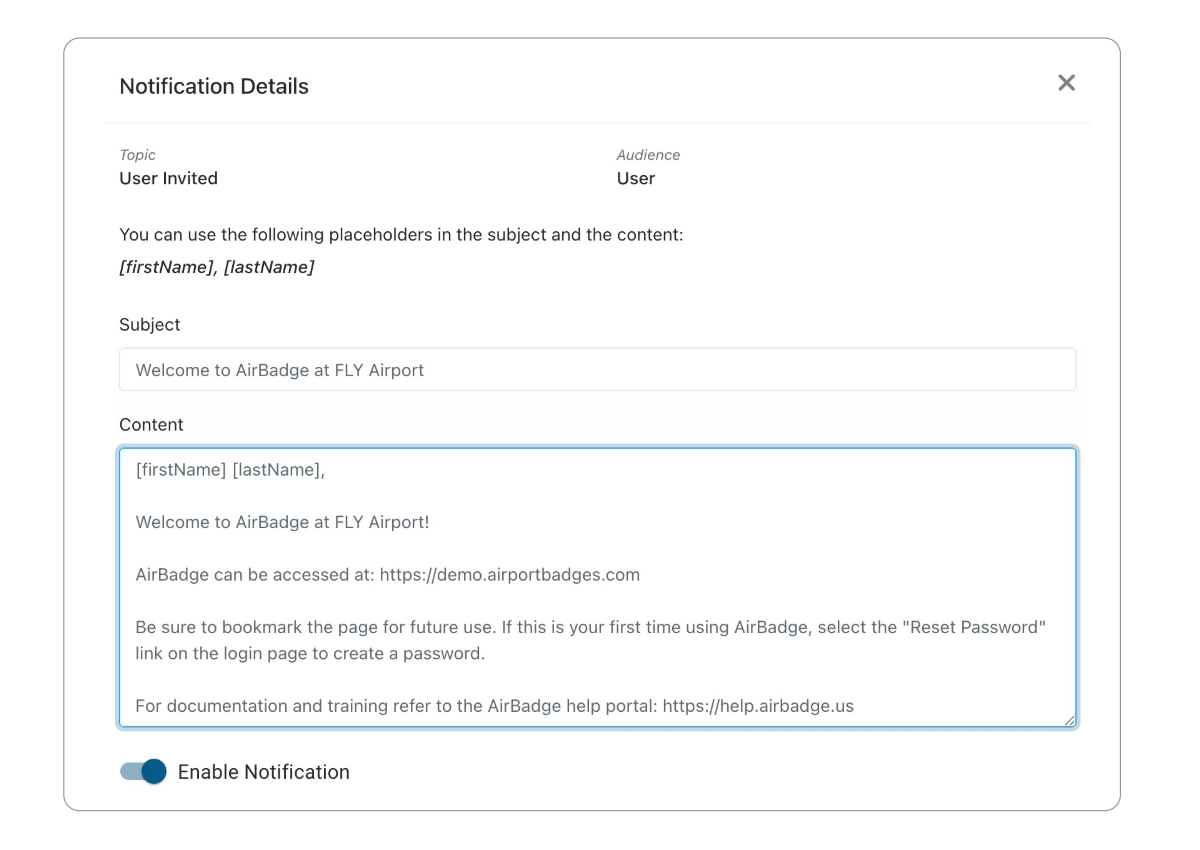
As of February 2026, an update is required to your AirBadge welcome email to take advantage of our new “User Invited” workflow. This new workflow omits the one-time registration link for new users, and invites them to use the “reset password” button instead.
Coordinate with our support team to learn when the update is enabled in your environment. We’ll also make updates to your “User Invited” message at Tools & Settings > Notifications > Accounts > User Invited.
Sample User Invited Message:
[firstName] [lastName],
Welcome to AirBadge {at Your Airport Name}.With AirBadge you can submit your badge application, check status, schedule your badging appointments, and more, all online in one place.
AirBadge can be accessed at:
{Add your AirBadge URL here}
If this is your first time using AirBadge, select the “Reset Password” link on the login page to create a password. Be sure to bookmark the page for future use.
For documentation and training refer to the AirBadge help portal: https://help.airbadge.us
Feel free to reach out to us at the Badge Office if you have any questions.